Uptime vs. Synthetic Monitoring: What Small Teams Need
· 5 min read
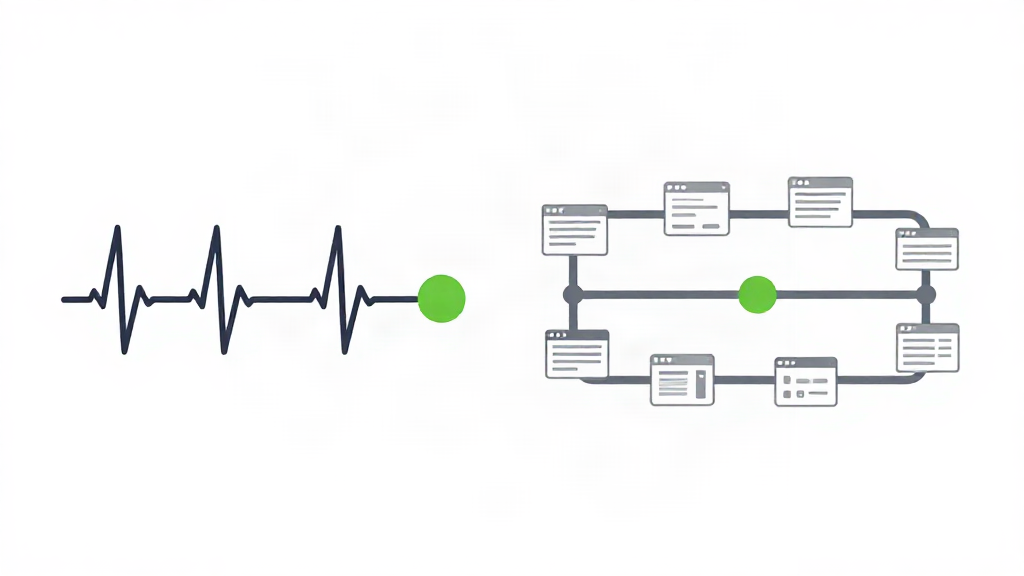
You probably already know when your site is down. What you do not know is how often it is up but broken. That gap is exactly where the uptime-versus-synthetic-monitoring question lives.
Both approaches check your site on a schedule. They check very different things. Pick the wrong one and you either miss outages that matter or pay for tests you never read.
Here is what each one catches, what each one misses, and how to choose by team size, client count, and how often you ship.
What uptime monitoring actually tells you
Uptime monitoring pings something and waits for a response. For a website, that usually means an HTTP request to a URL. For an API, it means a request that checks the status code and the payload. For infrastructure, it might be a TCP port, a ping, or a cron heartbeat.
That is it. Uptime monitoring answers one precise question: did this thing respond, and how fast?
It is fast to set up and cheap to run. A check every minute from three regions tells you two things a single server cannot:
- Whether a failure is real. If three regions report a failure at once, it is your site. If one does, it is probably that region's network. Verifying failures across regions is what keeps you from waking up for nothing.
- How long a problem lasted. Response time history turns "the site felt slow today" into a number you can plot against your last deploy.
Uptime monitoring also covers the boring, easy-to-forget expiry dates: SSL certificates and domain names. Those fail on a calendar, not on a code change.
The blind spots uptime monitoring leaves open
A 200 status code is not the same as a working page.
Your homepage can return a healthy response while the JavaScript bundle fails to load and the page renders blank. Your login form can return fine at the network layer and fail the moment someone submits it. A third-party script can stall the render for twelve seconds while your monitoring dashboard shows all green.
Uptime monitoring cannot see any of that. It never opens a browser. It never clicks anything. It only knows whether the door answered when it knocked, not whether anyone was home.
What synthetic monitoring adds
Synthetic monitoring runs a script. Instead of one request, it walks a path: open the page, wait for it to render, click the sign-in button, type an email, submit the form, check that the dashboard loads.
That script stands in for a real user. When it fails, something a real user would hit is broken - not just a server that stopped answering.
Synthetic monitoring catches what uptime checks miss:
- A page that loads but renders empty because a script failed
- A checkout or signup flow broken by a front-end bug
- A slow third-party asset dragging your real load time down
- Regressions that only appear after a user interacts with the page
You also get timing that means something. Not "the server responded in 80ms", but "the sign-up flow took 4.2 seconds end to end".
Where synthetic monitoring costs you
Scripts need maintenance. Every time you redesign a page or rename a button, the selector in your script can break, and a broken script looks exactly like a broken site. That false alarm trains you to ignore alerts, which is worse than having no alert at all.
Synthetic tests also run less often and cost more per check, because each one spins up a browser. You cannot run a full user journey every ten seconds from three regions without a real bill.
And for a simple brochure site with no forms and no login, a browser script is more than you need.
Side by side: which one catches what
Think of it as two question sets.
Uptime monitoring answers: is it reachable, how fast, is the certificate valid, is the domain current, did the cron job run.
Synthetic monitoring answers: does the page render, does the form submit, does the flow complete, how long does the whole journey take for a real visitor.
Most mature setups end up with both. The question for a small team is which one to start with.
A practical decision guide
Solo developer, static site or simple marketing pages
Start with uptime monitoring. There are no user journeys to script and nothing to click. Add SSL and domain expiry checks, and you have covered the failures that actually take a marketing site offline.
Small team shipping weekly
Start with uptime monitoring on every endpoint, then add one synthetic test for your single most important flow - usually signup or checkout. One script, maintained, beats ten scripts nobody trusts. Watch your response time against your deploy log; a jump after a release is a signal, not a coincidence.
Technical founder with a web app
You need both, but in order. Uptime first, so you always know when something is unreachable. Then synthetic tests for your core flows, because a working endpoint behind a broken front end is still an outage to your users.
Agency monitoring many client sites
Uptime monitoring scales cheaply across dozens of domains and gives you the plain-language reports you can hand to non-technical clients. Add synthetic tests only for the client sites that have a transaction worth protecting - a booking form, a store, a portal. Correlating response time and page weight with each client's deploys turns a vague "the site was slow" complaint into a dated, specific answer.
How to decide this afternoon
- List the failures that would actually cost you money or trust: unreachable site, broken signup, expired certificate, stalled cron job.
- Match each failure to the cheapest check that would catch it. Reachability and expiries are uptime checks. Journeys and renders are synthetic.
- Start with uptime on everything, synthetic on the one flow you cannot afford to lose.
- Turn alerts up only for failures you would act on. Fewer, truer alerts get answered.
The bottom line
Uptime monitoring tells you whether your site is up. Synthetic monitoring tells you whether it works. For most small teams, uptime first, synthetic second, and only on the flows that matter.
PulseKeeper starts with the uptime side of that list - HTTP, API, TCP, ping, cron heartbeats, SSL and domain expiry - checked from three regions and verified across them before it alerts you. It also correlates your response time and page weight with your deploys, so when something changes you can see what changed with it. More than "is it up?"
Monitor your client sites with PulseKeeper
Uptime from several regions, verified before anyone is alerted. Free to start, no card required.