Know when a website goes down.
Get notified when a client's website or online service stops working.
For digital agencies
Stop finding out from angry clients when their website or ad pixels go down. Manage everything under your brand with zero technical hassle.
No credit card required · Start with a free account
When clients or updates accidentally remove GTM, GA4 or Meta pixels, ad campaigns burn money into a black hole. PulseKeeper checks every site daily and alerts you when a code goes missing.
Don't let a client call you because their landing page went down in the middle of their biggest sale or ad push. Know about it first.
Catch expiring SSL certificates and domains weeks before visitors see that scary "Not secure" browser warning.
From the first alert to the monthly report your client receives. With sound, subtitles in English, Slovenian and Polish.
Your client calls. Their shop is down. And you're the last to know.
PulseKeeper watches every client site, grouped by client. Just add the address. No technical knowledge needed.
One failed check never wakes anyone. Other regions verify first, so every alert is real.
When a deploy drops a tracking code, you see it the next day. Not three months later.
Each month, clients get a report they actually understand.
All under your brand. Your logo, your domain, on status pages, the client portal, emails and reports.
And soon, you'll ask ChatGPT or Claude how your clients' websites are doing.
Know before your clients do. PulseKeeper for agencies.
From uptime and performance to reporting and AI — keep the important website information in one place.
Get notified when a client's website or online service stops working.
Track website speed, response times and page weight over time.
Detect missing Google Analytics, Tag Manager and advertising tags.
Share clear, professional reports with uptime and performance information.
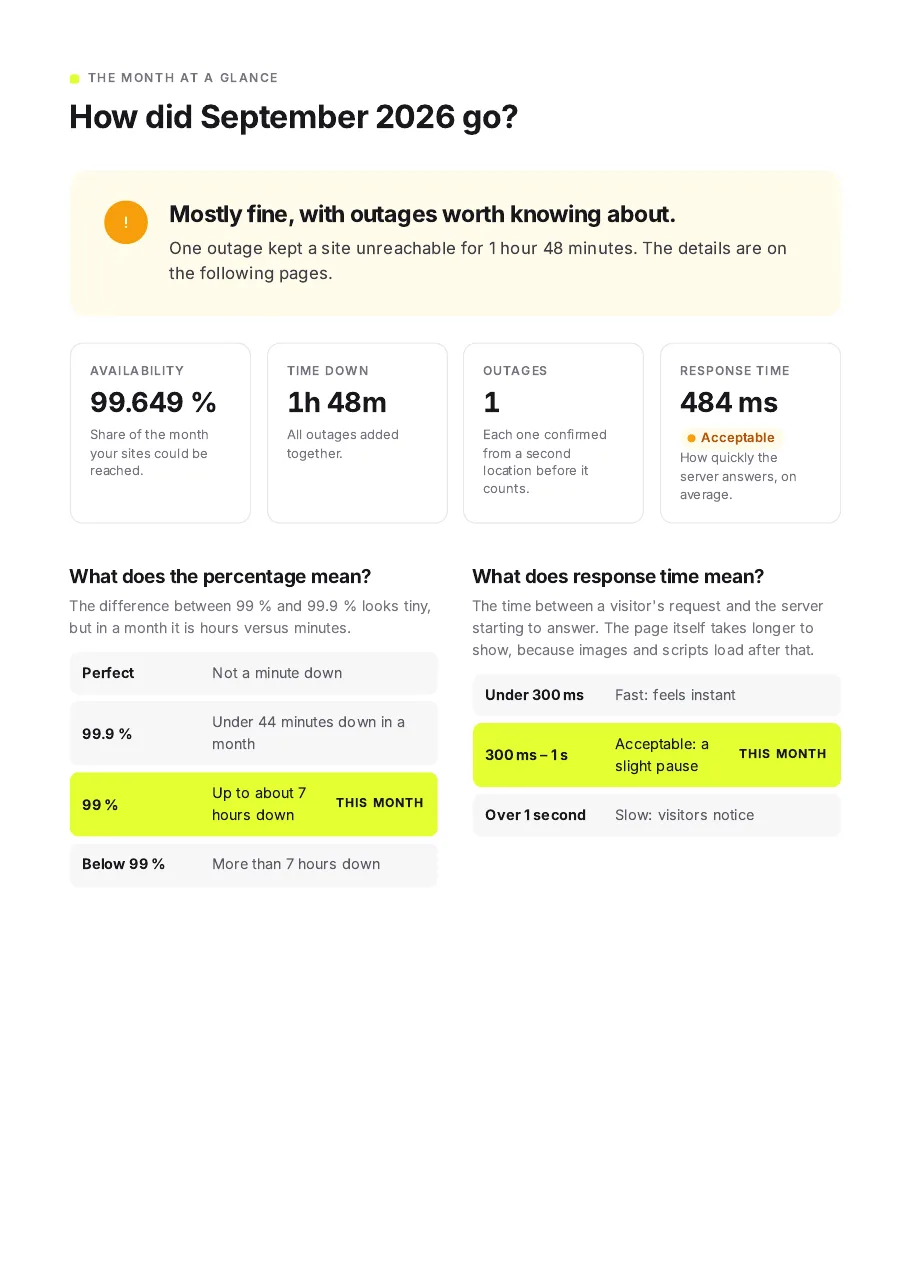
Branded status pages show the availability of their websites and services.
Get monitoring information by asking a question in plain language.
See which websites are healthy, which need attention, and how they're performing — without checking them individually.
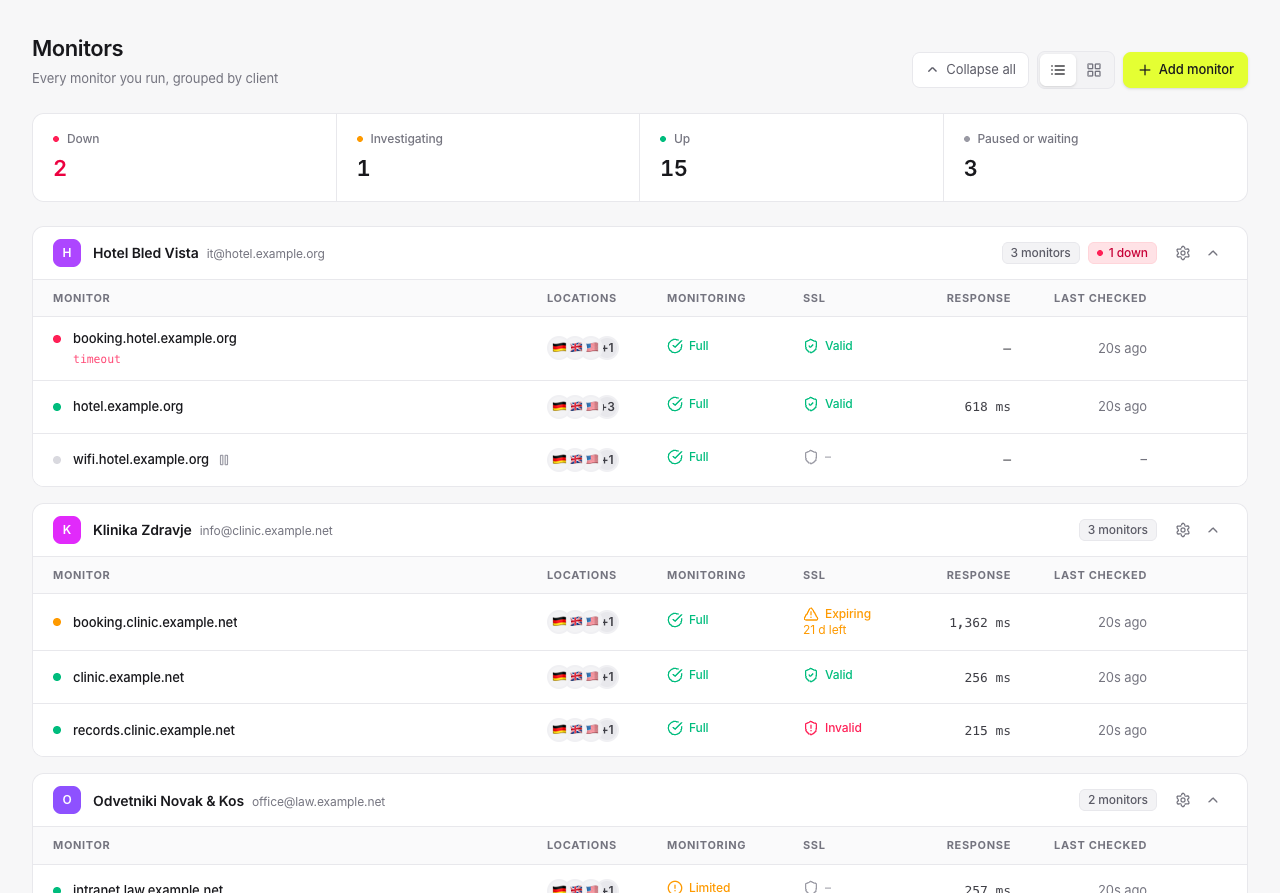
Built for agencies
Use automated white-label reports to show clients the value you deliver every single month. Package this as a "Digital Asset Care" service and bill your clients monthly without writing a line of code.
Present monitoring under your own agency identity, on status pages, in the client portal, in emails and in reports.
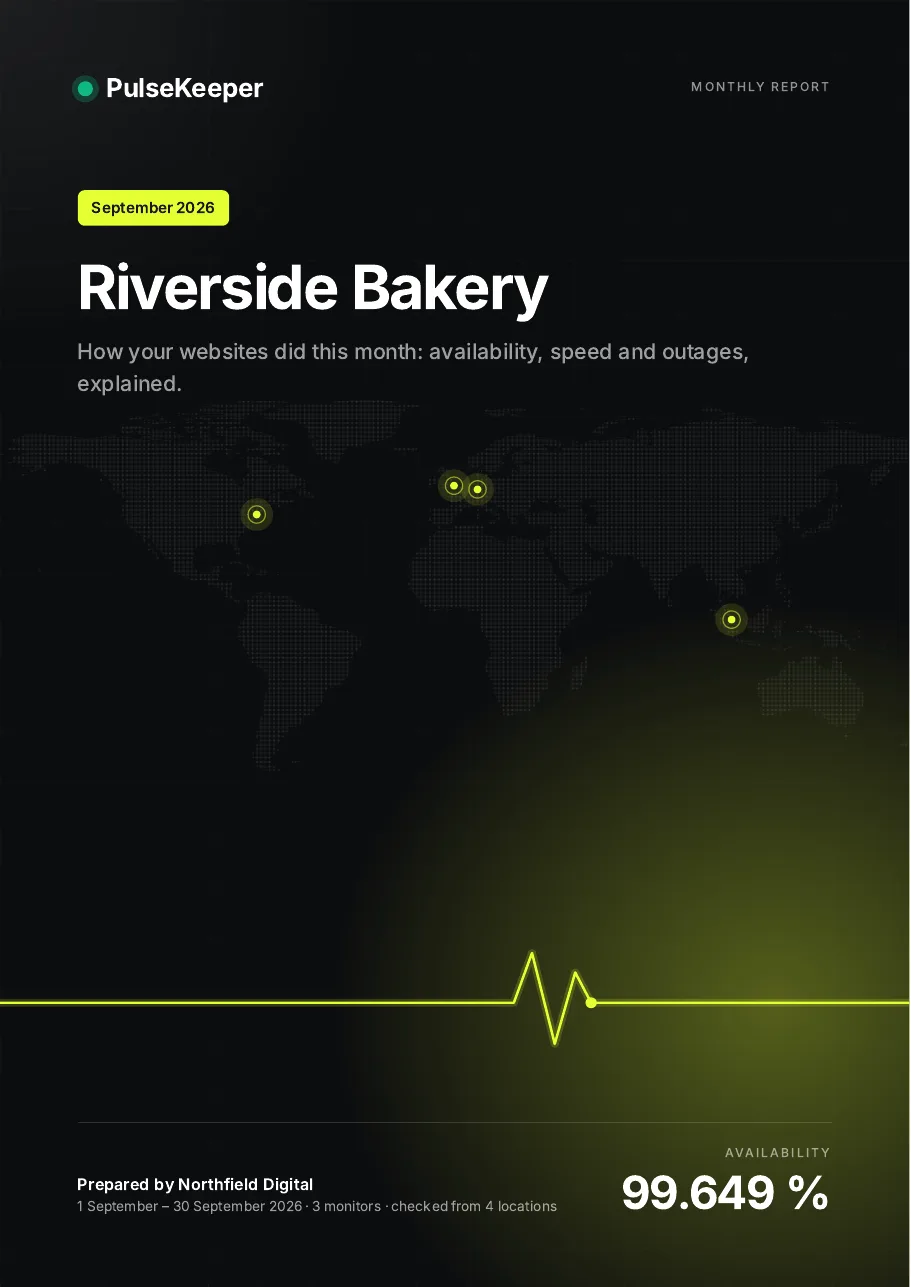
A clear monthly overview of uptime, incidents and response time, written for people who are not technical, sent to your client automatically.
Let clients see whether their websites and services are operational, with your branding and without another support request.
Turn monitoring into a service your clients value.
Explore the Agency planEverything you need to monitor your clients' websites and keep them informed.
For teams monitoring infrastructure for clients.
€1,788 billed yearly
$1,788 billed yearly
£1,548 billed yearly
Billed monthly
Prices include VAT or GST where that is customary (EU, UK, Australia). In the US and Canada, sales tax is added at checkout where it applies. Businesses with a valid VAT number are charged without VAT.
Monitoring meets AI
Coming soonGet answers about client website health, outages and performance from the AI tools your team already uses.
Ask a question. Get an answer.
Powered by PulseKeeper's upcoming MCP integration — read-only, and only for your own account.
Yes. You organise monitored websites by client and manage all of them from one dashboard, each client with its own uptime, incidents and alert rules.
Yes. A client signs in to their own portal with a one-time link sent by email and sees only their own websites — no prices, plans or other clients. Client logins are free and unlimited.
Yes. Your name, logo and colour replace ours on status pages, in the client portal, in emails to clients and in PDF reports. The portal and status pages can also live on your own domain, such as monitor.youragency.com.
Yes. A PDF report per client is created on the first of every month and emailed to the people with access to that client, in the client's language. You can also export any month for a single website whenever you need it.
No. PulseKeeper shows website health in plain terms — green when a site works, amber when it is slow, red when it is down — so it is useful for account managers as well as technical teams.
Stay informed, spot problems earlier and give your clients a clearer view of their website health.