How to Prepare Client Websites for Holiday Traffic Spikes
· 4 min read
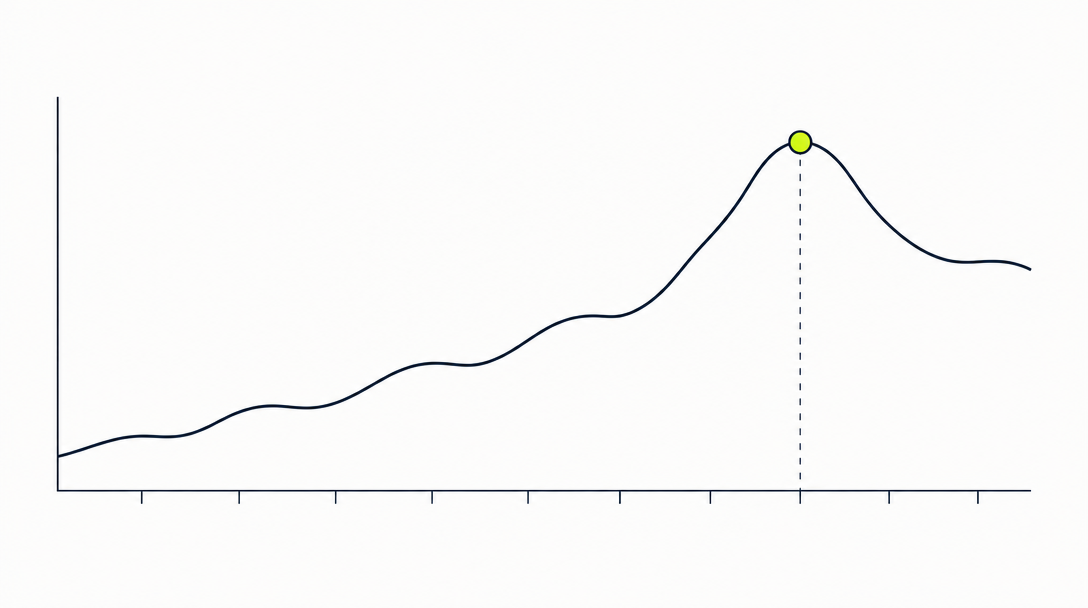
Holiday traffic does not arrive gradually. A client's site can run quietly for weeks, then triple its visitors in one afternoon when a campaign lands or a sale opens. Most sites handle a normal day without trouble. The question is what happens when the day is not normal.
Why Traffic Spikes Break Sites
A spike puts pressure on the parts of a site that are rarely tested. The server has to answer more requests at once. The database has to run more queries. Third-party scripts for payments, chat, and analytics all load at the same moment. Any one of these can slow down, and a slow page under load often becomes a failed page.
The pattern is familiar. Response time climbs first. Then a few requests start timing out. Then the checkout button stops responding. By the time the client calls you, the problem has already cost them orders.
Step 1: Check the Baseline Before the Rush
Preparation starts with knowing what normal looks like. For each client site, record three numbers over a typical week:
- Average server response time, measured from more than one region
- Typical page weight for the key landing and checkout pages
- Uptime over the last 30 days
These numbers are your reference point. A response time of 250 ms on a quiet Tuesday tells you very little on its own. Compared with what the site did last month, it tells you whether the site is healthy.
Step 2: Watch the Pages That Earn Money
Not every page needs the same attention. During a spike, the pages that matter most are the ones where a visitor decides to buy, book, or enquire. For most business sites, that means the homepage, the main product or service page, the cart or booking form, and the confirmation page.
Set up checks on those URLs first. A check on the homepage confirms the site is up. A check on the checkout confirms the site can still take money. These are different questions, and a spike often breaks the second one before the first.
Step 3: Verify Failures Before You Panic
Traffic spikes produce noise. A single slow response from one location does not mean the site is failing, and a flood of alerts over a few seconds can hide the real problem. Confirm each failure from several regions before you treat it as an outage. A failure that appears everywhere is a real incident. A failure that appears in one place is worth noting and watching.
Step 4: Set a Response Time Threshold
Decide in advance what counts as too slow. Many teams pick a figure that is comfortably above normal but well below the point where visitors give up. If a page normally responds in 300 ms, you might choose 1,000 ms as the line that triggers attention. The exact figure matters less than having one written down before the traffic arrives.
Step 5: Link Changes to Performance
Holiday periods are also busy periods for deployments. Banners get updated, landing pages are added, and tracking scripts are switched on at the last minute. Each of these changes can add weight to a page or slow a request. Tie response time and page weight to each deploy, so that if a page slows down the morning after a change, you can see the change that came before it.
Step 6: Check Your Tags and Pixels
When campaigns are running hard, a broken tag is expensive. If the conversion pixel stops firing during a sale, the client's ad platform stops learning, and the spend that day produces reports with missing conversions. Check that your key tags fire on the pages that matter, both before the campaign starts and during it.
A Simple Pre-Holiday Checklist
- Record baseline response time, page weight, and uptime for each client site
- Set checks on the homepage, the main conversion page, and the checkout or booking flow
- Confirm alerts are verified across regions, so a single bad check does not wake the team
- Set a written response time threshold for each site
- Freeze non-essential deployments during the busiest days, or review each one first
- Confirm conversion tags fire on the key pages
- Agree who responds to an alert, and how quickly
Tell the Client Before the Spike
A client who is told about the plan feels looked after. A client who finds out after an outage feels let down. Send a short note before the busy period that explains what you are watching, who will respond, and what you will report afterward. Use plain language. The client does not need to know what a timeout is. They need to know their site is being watched and that someone will act.
After the period ends, send a brief summary: uptime, the slowest moments, and any action taken. This is the kind of report that turns a seasonal rush into evidence of steady care.
Prepare Once, Then Watch
Holiday traffic is predictable in its arrival, even if its size is not. The sites that handle it well are the ones that were measured before the rush, checked on the pages that earn money, and reviewed when something changed. Set that up before the first visitor arrives, and the spike becomes a busy afternoon instead of an emergency.
Monitor your client sites with PulseKeeper
Uptime from several regions, verified before anyone is alerted. Free to start, no card required.