Email, SMS, or Slack? Choosing Where Your Uptime Alerts Land
· 4 min read
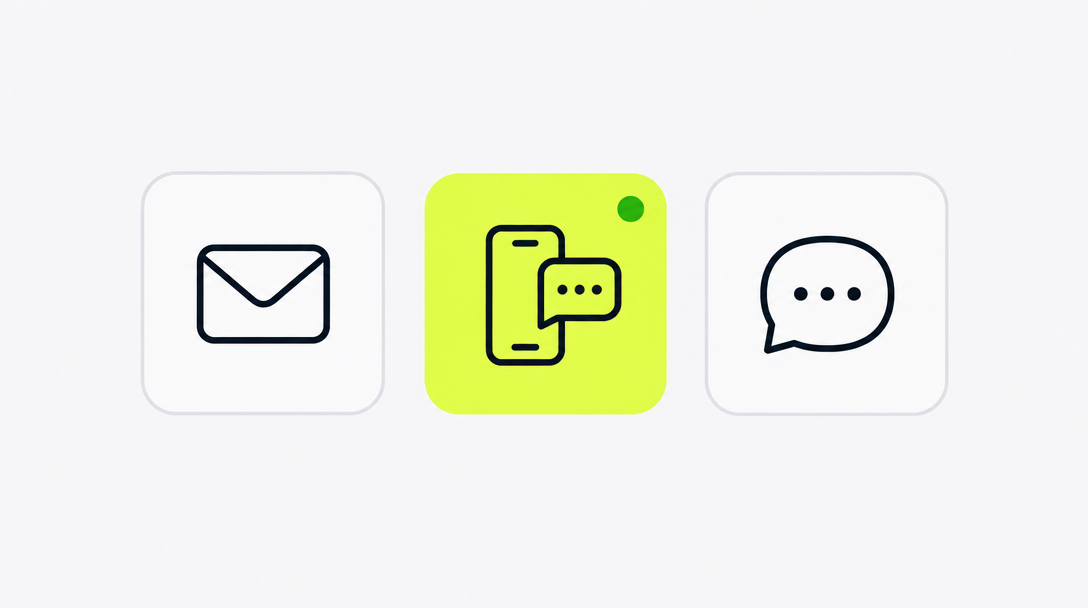
An uptime alert is only useful if someone sees it in time. A message that arrives in a busy inbox at 2 a.m. may sit unread for an hour. A text that lands on the wrong phone may never reach the person who can fix the problem. Where your alerts go matters as much as whether they are sent.
The right channel depends on how your team works, how serious the alert is, and who is responsible for the site. Here is how to decide.
What an Alert Needs to Do
Before comparing channels, be clear about the job. A good uptime alert does four things. It tells someone that a site is down or slow. It says which site and which page. It gives enough detail to start checking. And it reaches a person who is able to act on it.
A channel that does only the first of these is not enough. An alert that says "monitor down" without a URL leaves the reader to start from zero.
Email: Good for Records, Slow for Emergencies
Email is the most common default, and it has real strengths. It keeps a written record. It can carry detail, such as response times, the regions that confirmed the failure, and a link to the incident. It works well for non-urgent notices like an SSL certificate expiring in 21 days or a domain nearing renewal.
Its weakness is speed. Email is checked in batches, and a critical alert can sit among newsletters and receipts. Email works best as the record of an incident, not as the only way to learn that something is broken.
SMS: Built for Attention
Text messages are read quickly. For a site that generates revenue and cannot wait, a text is often the most reliable way to reach the person on call. It is short, which suits a simple message: "shop.example.com is down, verified from three regions."
The trade-off is length and noise. SMS has little room for detail, and if every warning is sent as a text, people learn to ignore them. Reserve it for confirmed failures on sites that truly need immediate response, not for every slow page.
Slack or Chat: Good for Teams Who Work There
A chat channel suits a team that already spends the working day in one place. An alert posted to a shared channel is visible to everyone at once, and the team can discuss it in the same thread. This is useful when more than one person may need to respond or when a developer wants to check a deployment.
The downside is that chat channels are often muted, and they are only as good as the people watching them. A busy channel can also bury a serious alert under routine messages. Use a dedicated channel for site alerts, not a general one.
Match the Channel to the Severity
Most teams do best with more than one channel, each used for a different job:
- Confirmed outage on a revenue site: text message to the person on call, plus a chat post for the team
- Slow response that stays slow: chat post or email, so it can be reviewed during working hours
- Expiring SSL certificate or domain: email, with enough lead time to renew
- Recovered incident: email summary, so there is a written record of what happened and for how long
This split keeps urgent messages rare enough to be taken seriously, and keeps routine information out of the way.
Verify Before You Alert
Whatever channel you choose, the most useful change is often to send fewer alerts, not faster ones. A failure that is confirmed from several regions is a real problem. A failure seen from one location may be a network blip. If every single failed check becomes a text, the person receiving them will stop trusting the messages.
Set alerts to fire only after a failure is verified from more than one region. Then the channel you choose carries a message worth reading.
Agencies: Route Alerts by Client
If you monitor sites for several clients, route alerts by client as well as by severity. A Hotel's booking page and a law firm's intranet may need different people, different hours, and different channels. Keeping each client's alerts in its own channel or inbox also makes it easier to produce the monthly report and show what was handled for each one.
Check Your Setup Once a Quarter
People change roles, leave teams, and change phone numbers. An alert routed to someone who no longer works on a client's site is an alert no one will act on. Review your notification setup each quarter. Send a test alert to each channel, confirm it arrives, and confirm the right people are on it.
Choose the Channel You Will Actually Check
The best alert channel is the one the responsible person reads when it matters. For some teams that is a text. For others it is a chat thread. For most it is a combination, with email kept as the record. Start with the sites that earn the most money, decide who needs to know first, and build from there.
Monitor your client sites with PulseKeeper
Uptime from several regions, verified before anyone is alerted. Free to start, no card required.